
Context
Titan is AffinityX's B2B SaaS back-office and ERP product. Operations teams in the US, the Philippines and India use it to work through high-volume orders, items and production screens, most of them dense data tables. I was one of two designers, working with a PM and developer teams across three countries.
 (opens in new tab)
The problem
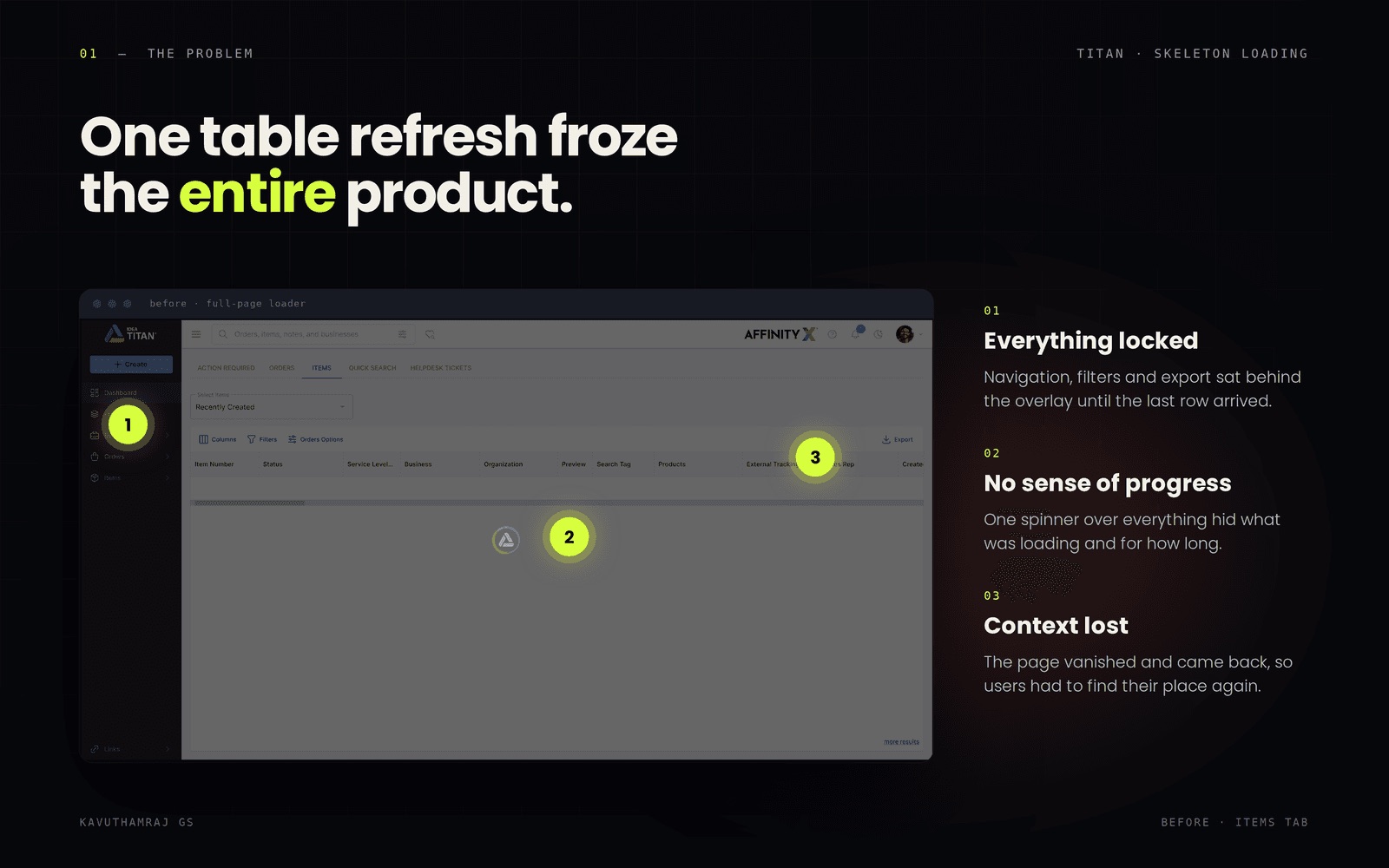
It started with a message from the PM. Every time a table loaded in Titan, users saw a full-page loader and couldn't touch anything else until it finished. One slow table, and the whole product was frozen.
 (opens in new tab)
From one table to the whole product
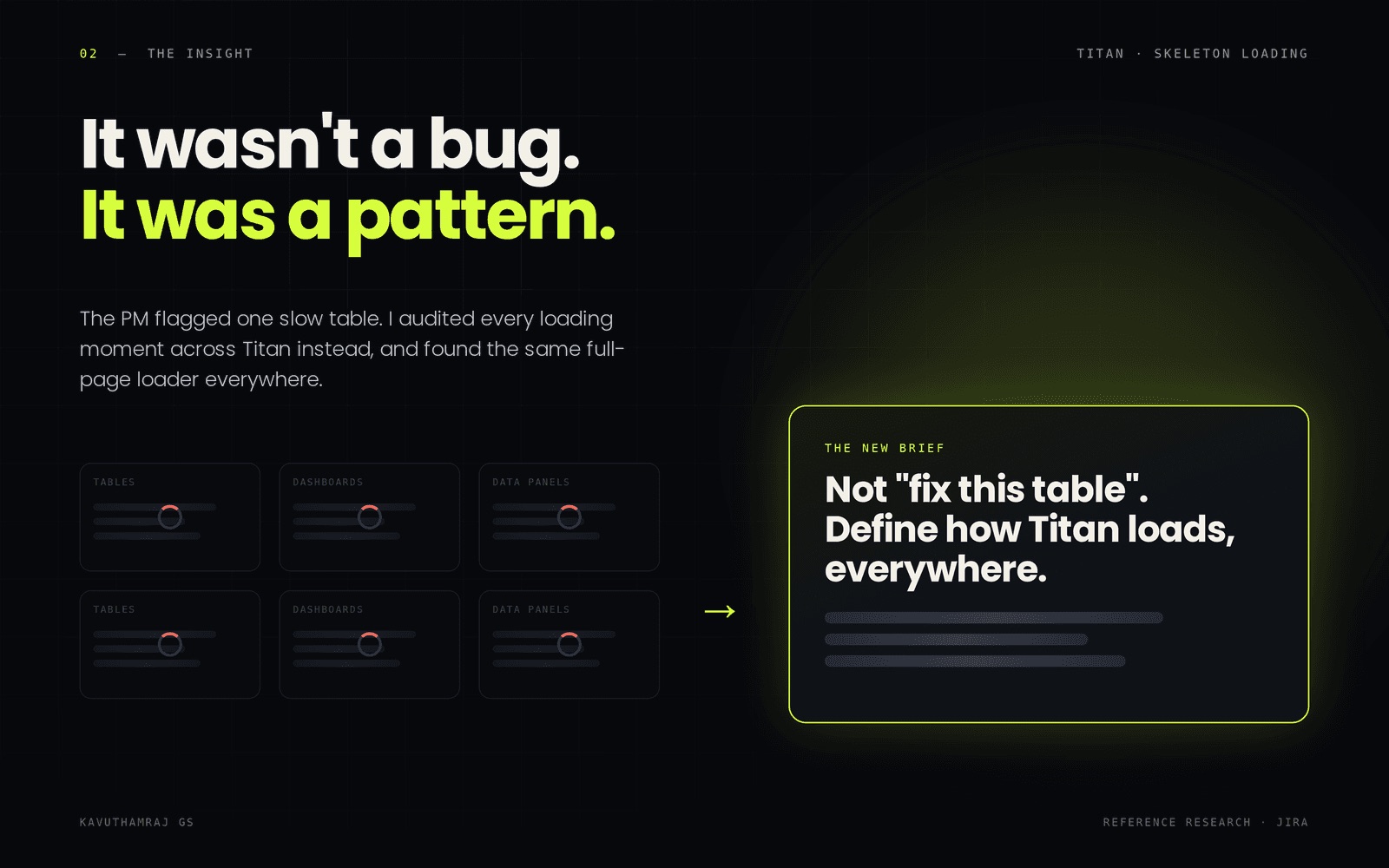
That sounded bigger than one screen. So I went through the tables, dashboards and data panels, and the same loader was waiting everywhere. The question changed from “how do I fix this table?” to “how should Titan load, everywhere?” I studied how Jira handles loading in its data-heavy views, compared the patterns side by side, and proposed skeleton loaders.
 (opens in new tab)
Why skeletons
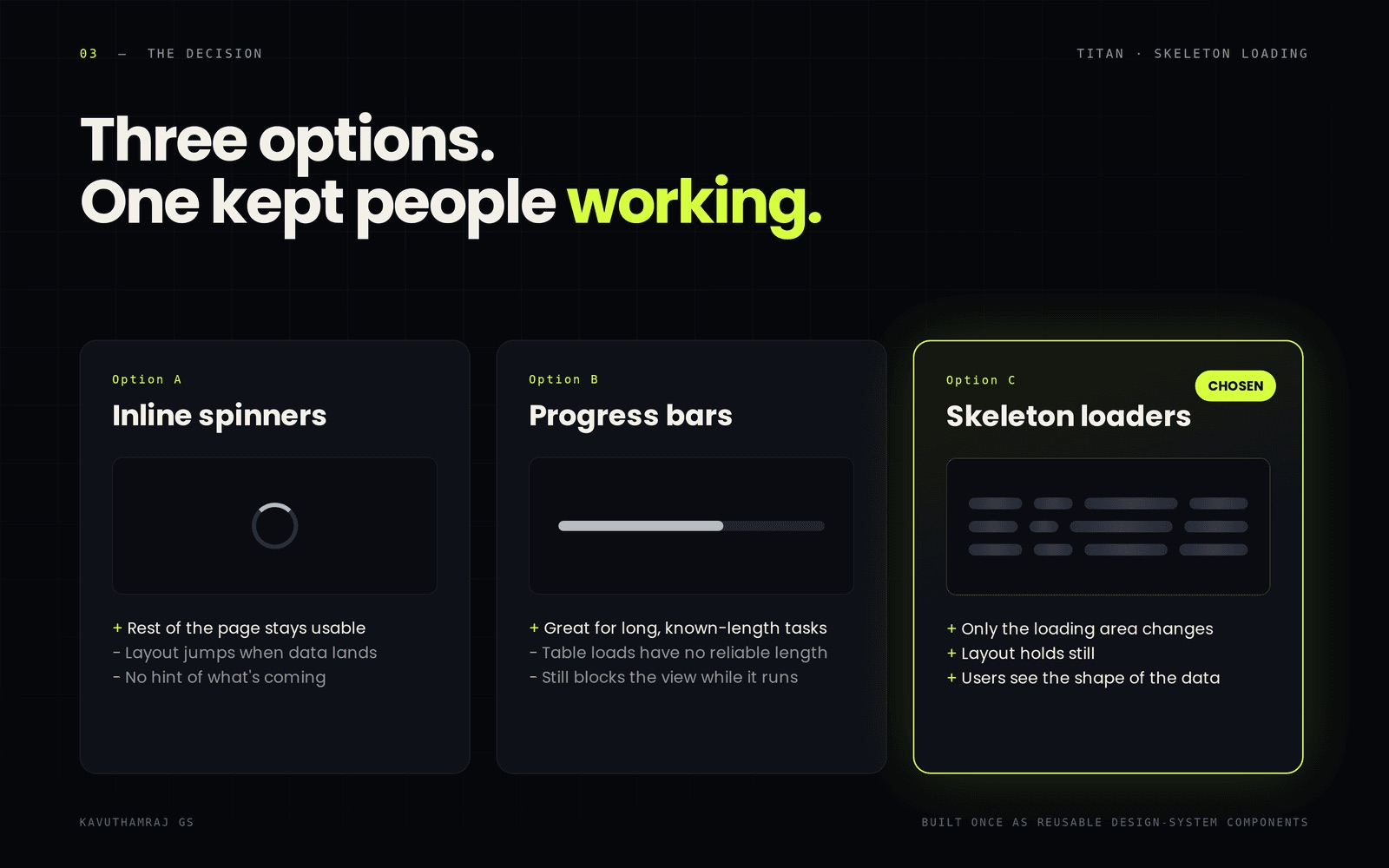
Spinners still let the layout jump, and progress bars need a length that table loads don't have. Skeletons only change the part that is loading and show the shape of the data before it lands. The catch is effort, since every table, card and widget needs its own placeholder, so I built them once as reusable components in our MUI v6 design system.
The design
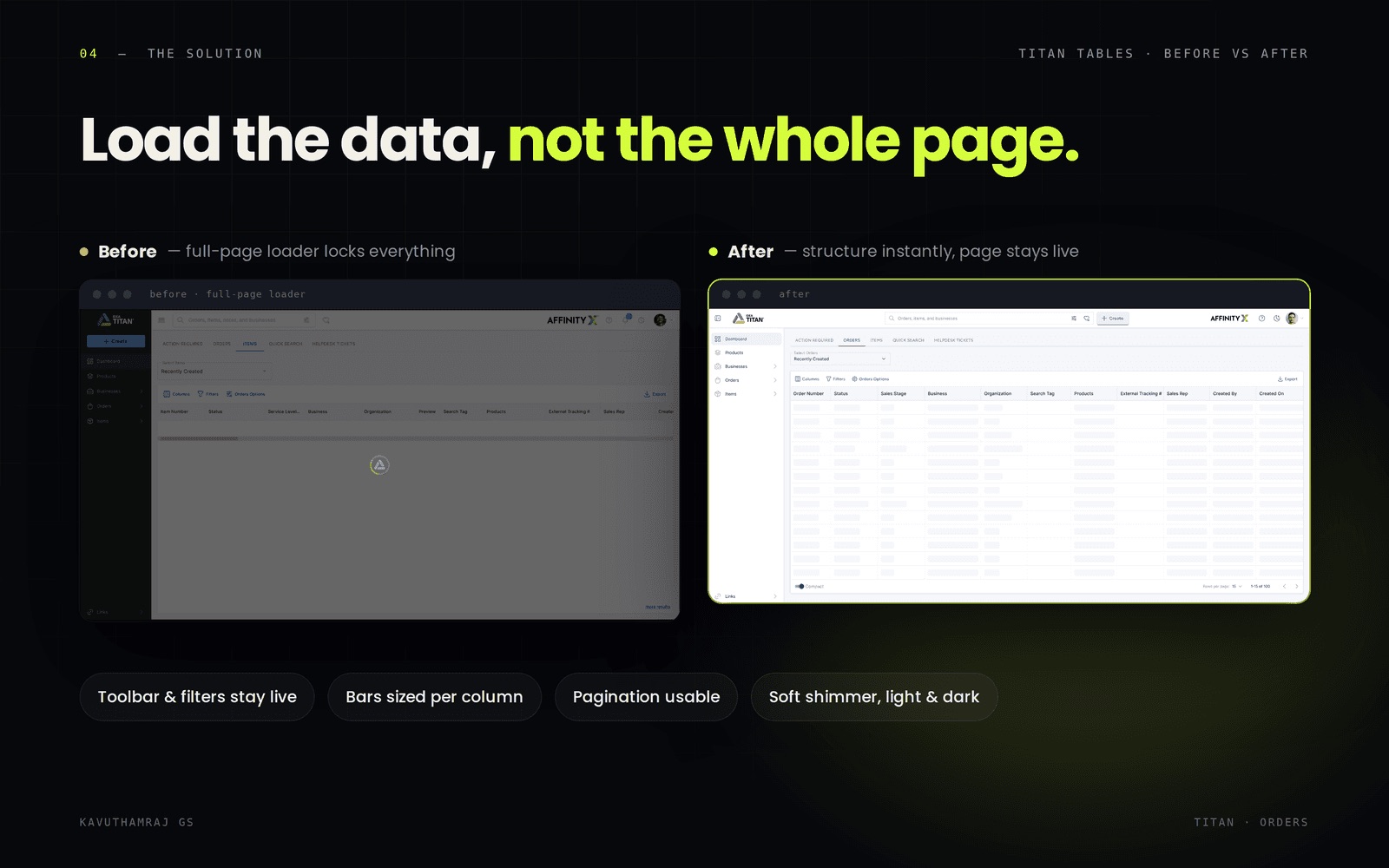
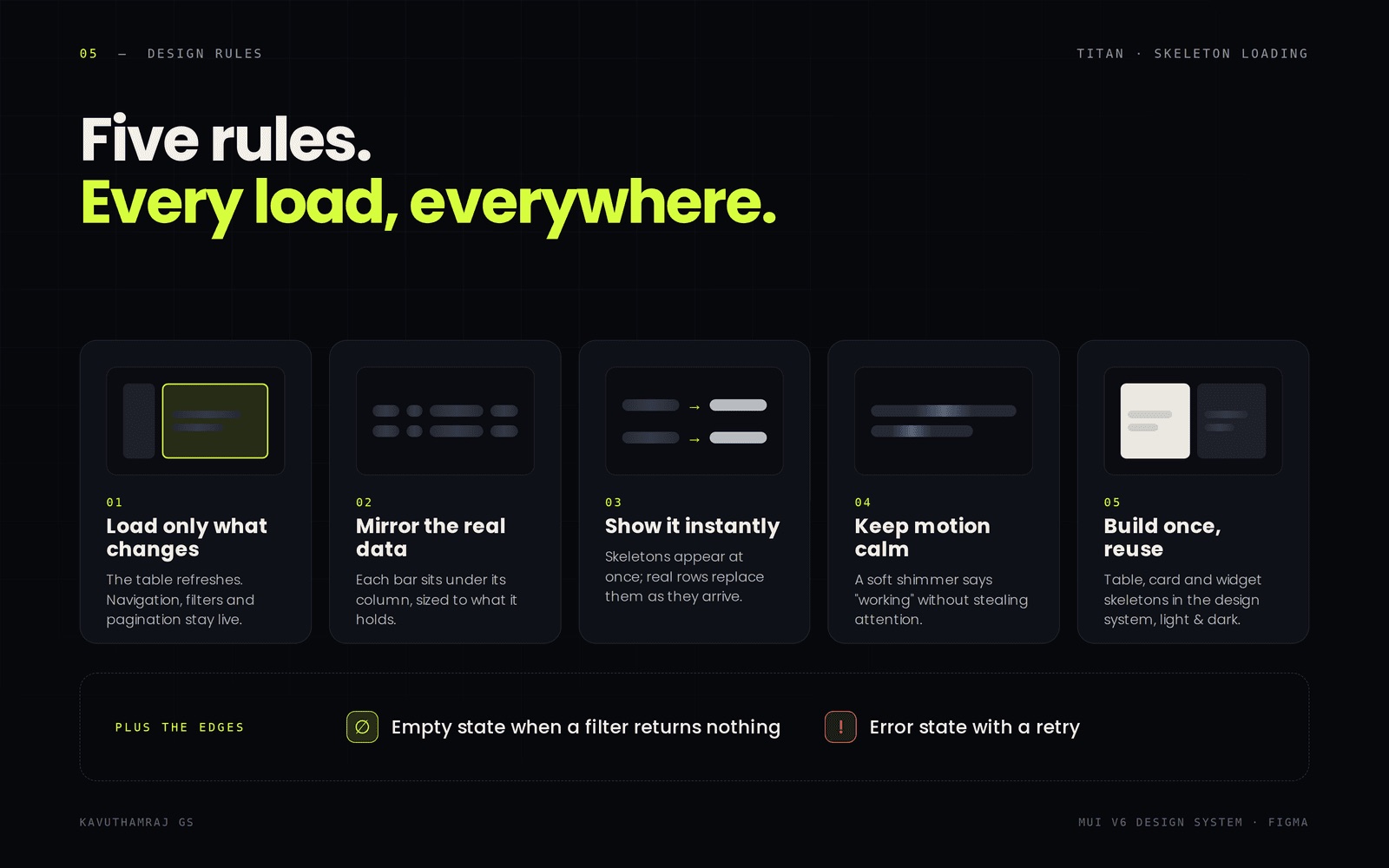
I kept the design simple. Only the table that is loading changes. The toolbar, filters and pagination stay usable, and each placeholder is sized to its column, so nothing jumps when the real rows arrive.
 (opens in new tab)
The edges
I also designed the edges: an empty state for filters that return nothing, and an error state with a retry, so every load ends somewhere clear.
 (opens in new tab)
How it shipped
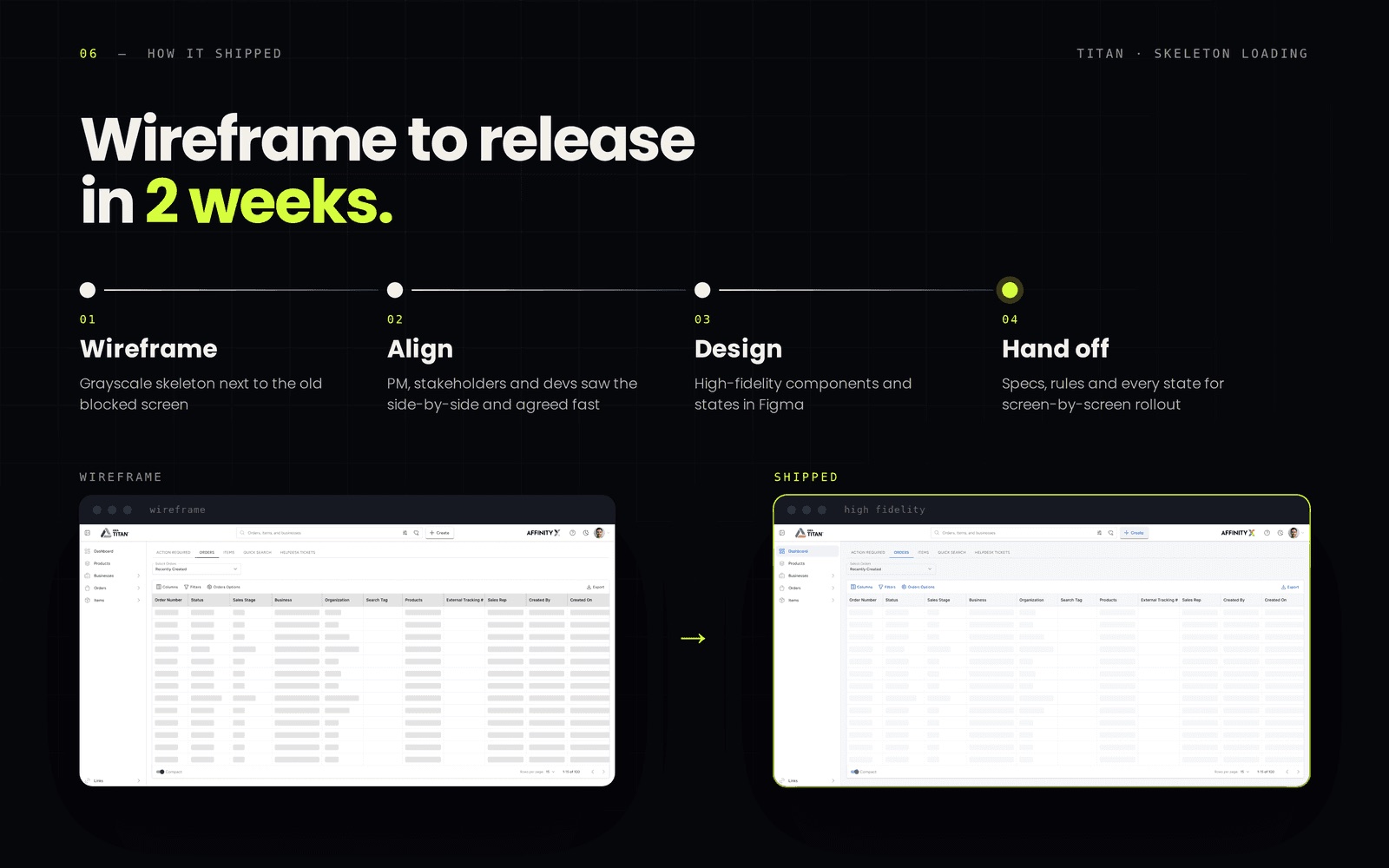
Getting here took two weeks. I started with quick wireframes of the Orders table, with the old blocked screen next to the skeleton one. I showed them to the PM, stakeholders and developers, and the side-by-side made the case on its own. Once they approved, I built the high-fidelity components in Figma and handed over specs, behaviour rules and every state, so developers could roll it out screen by screen.
 (opens in new tab)
The design system behind it
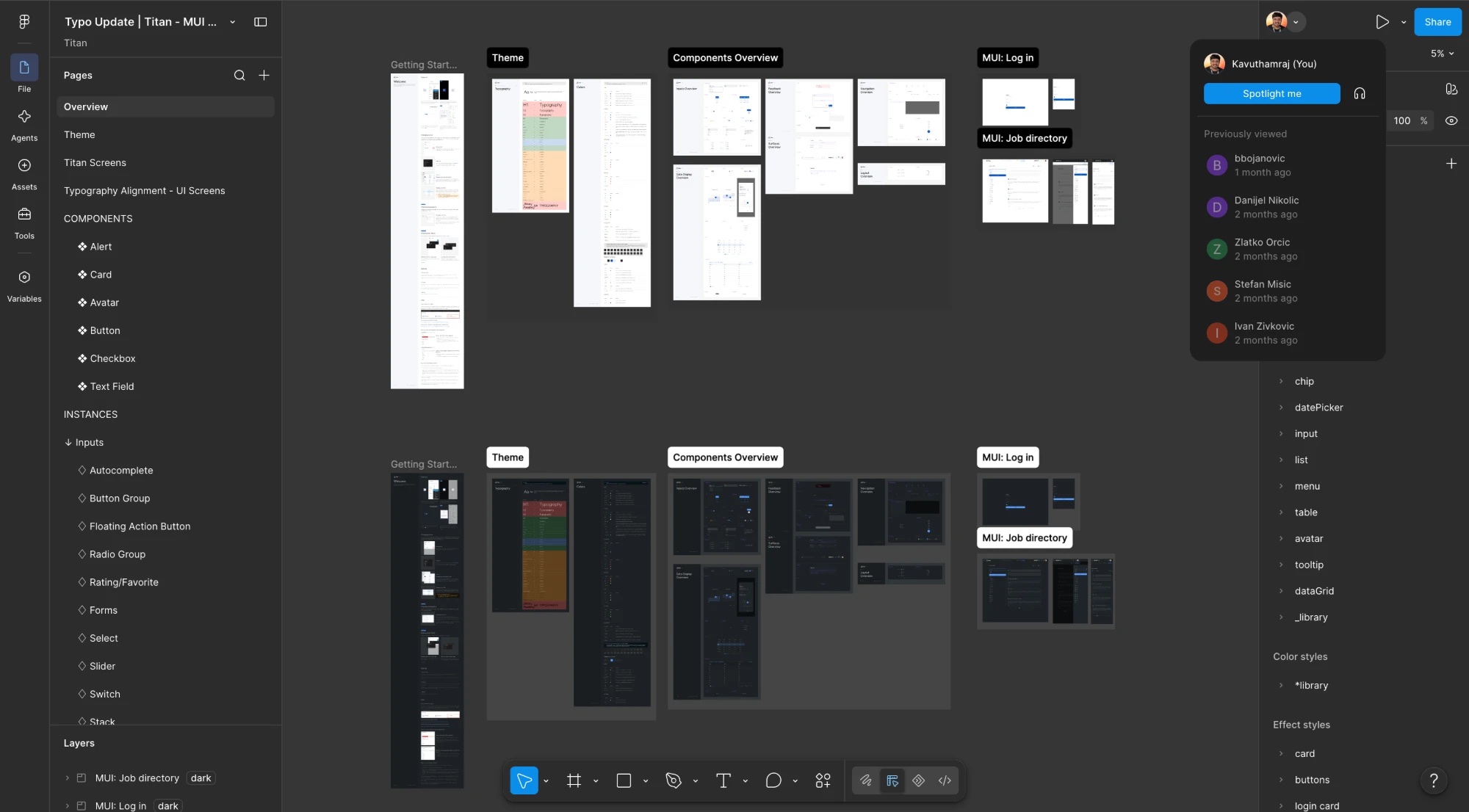
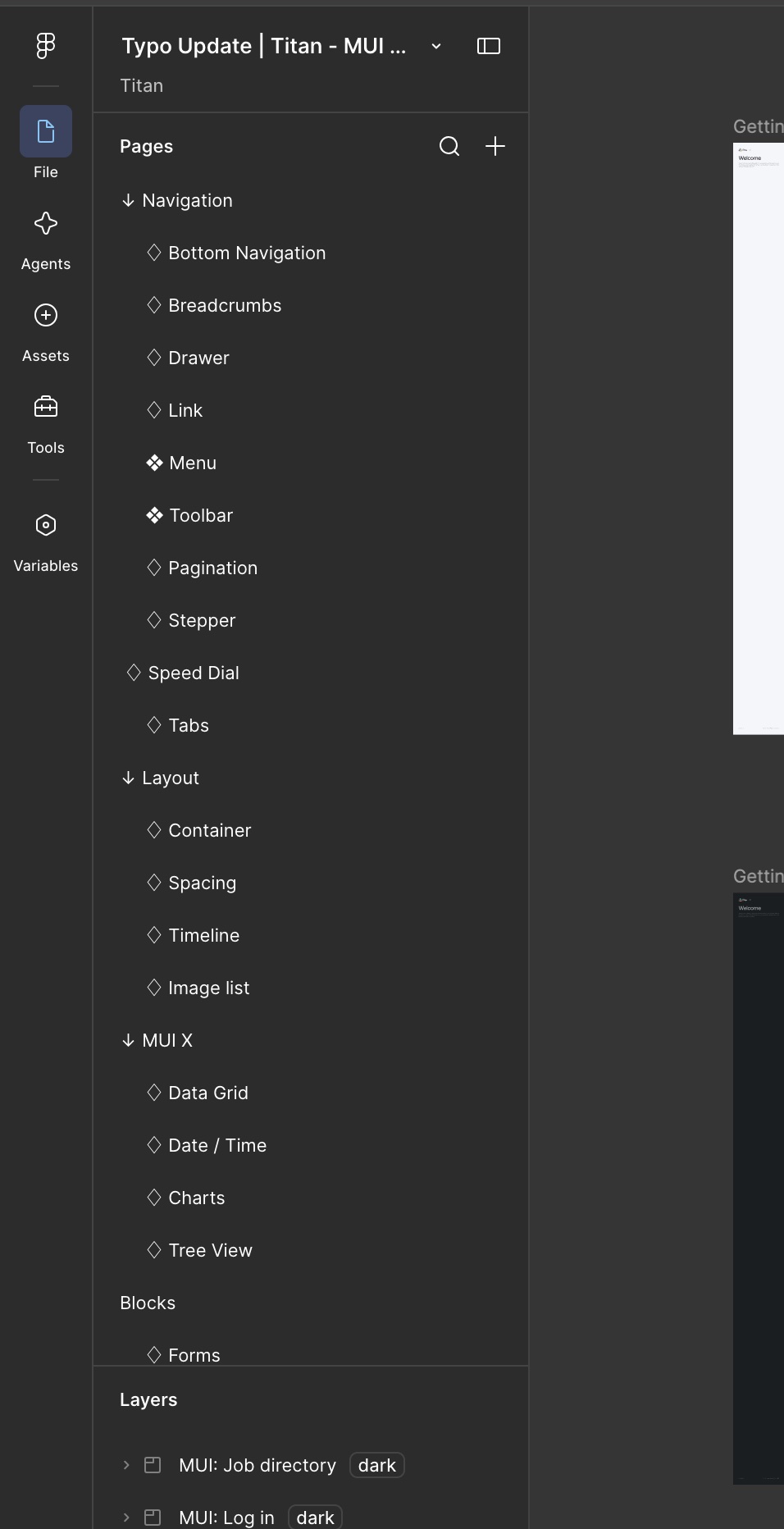
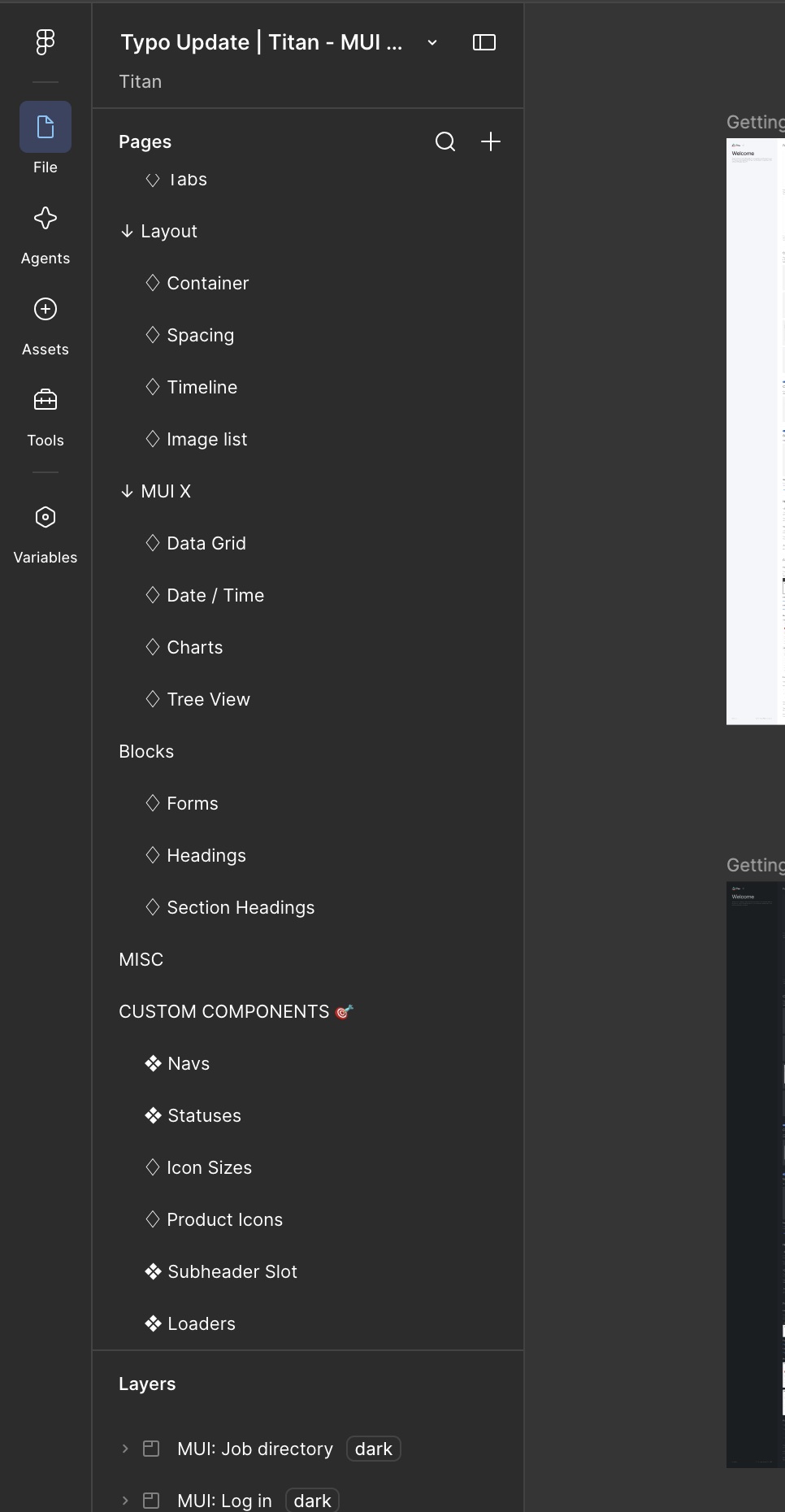
The skeletons live in the same system as the rest of Titan. Titan is built on MUI v6, and I built and maintain its tokenized component library in Figma: 60+ components across 52 pages, with light and dark modes.
From about 10 to 5 per sprint, tracked across six sprints.
About 25% faster, a PM estimate based on automation testing.
WCAG 2.1 AA notes in every handoff: focus order, ARIA labels, and status that never relies on colour alone.
 (opens in new tab)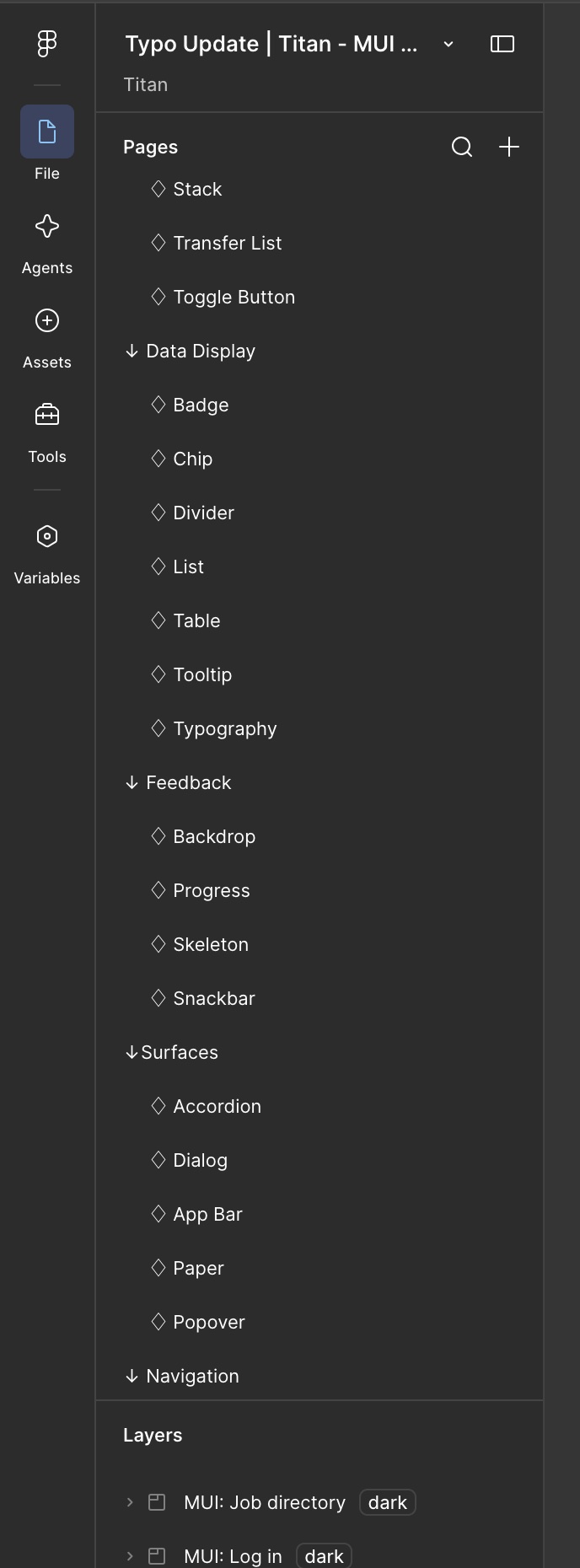
The result
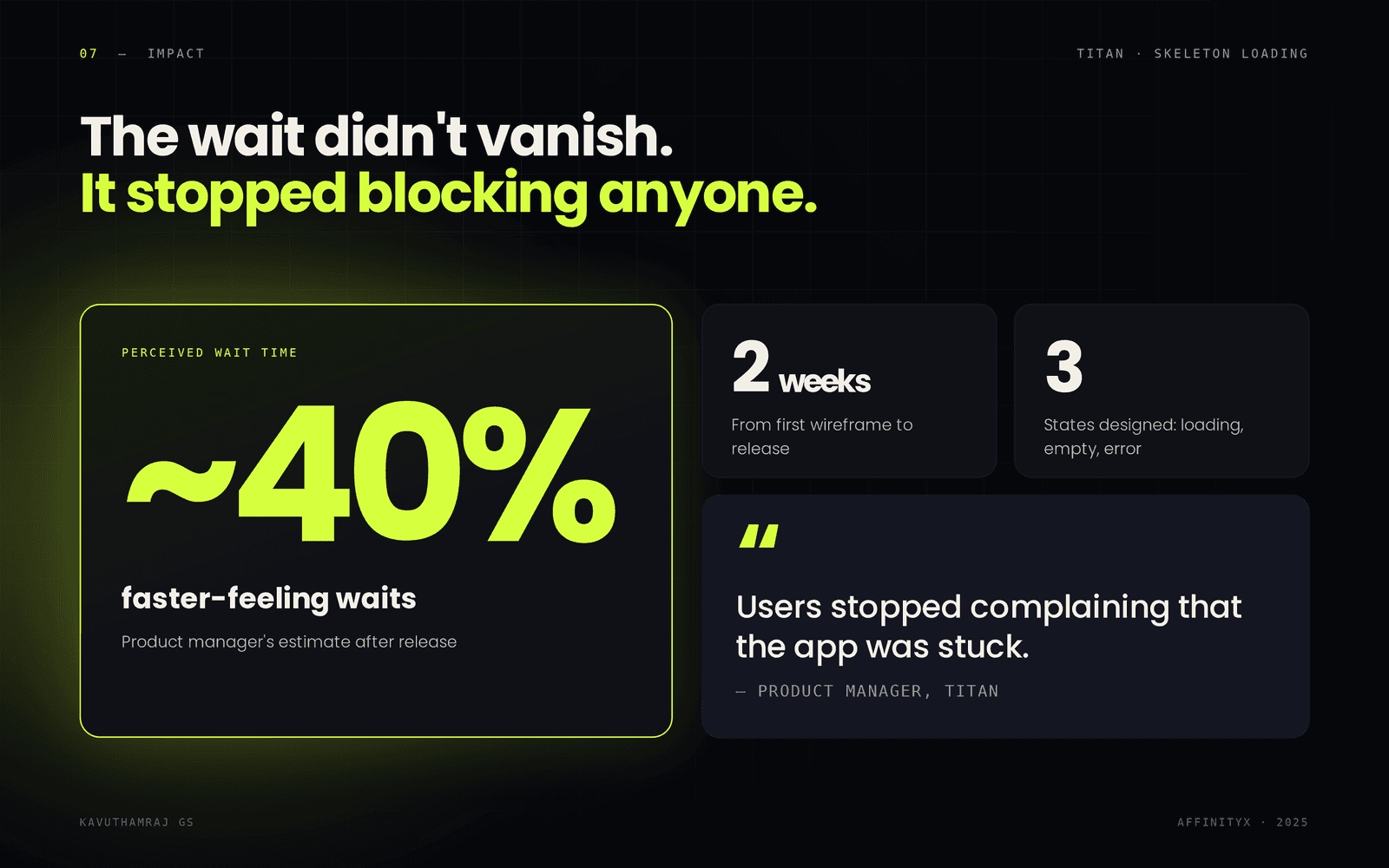
After release, users finished their tasks faster instead of waiting on a frozen screen. The PM estimated it at about 40% faster-feeling, and said users stopped complaining that the app was stuck.
 (opens in new tab)
Looking back
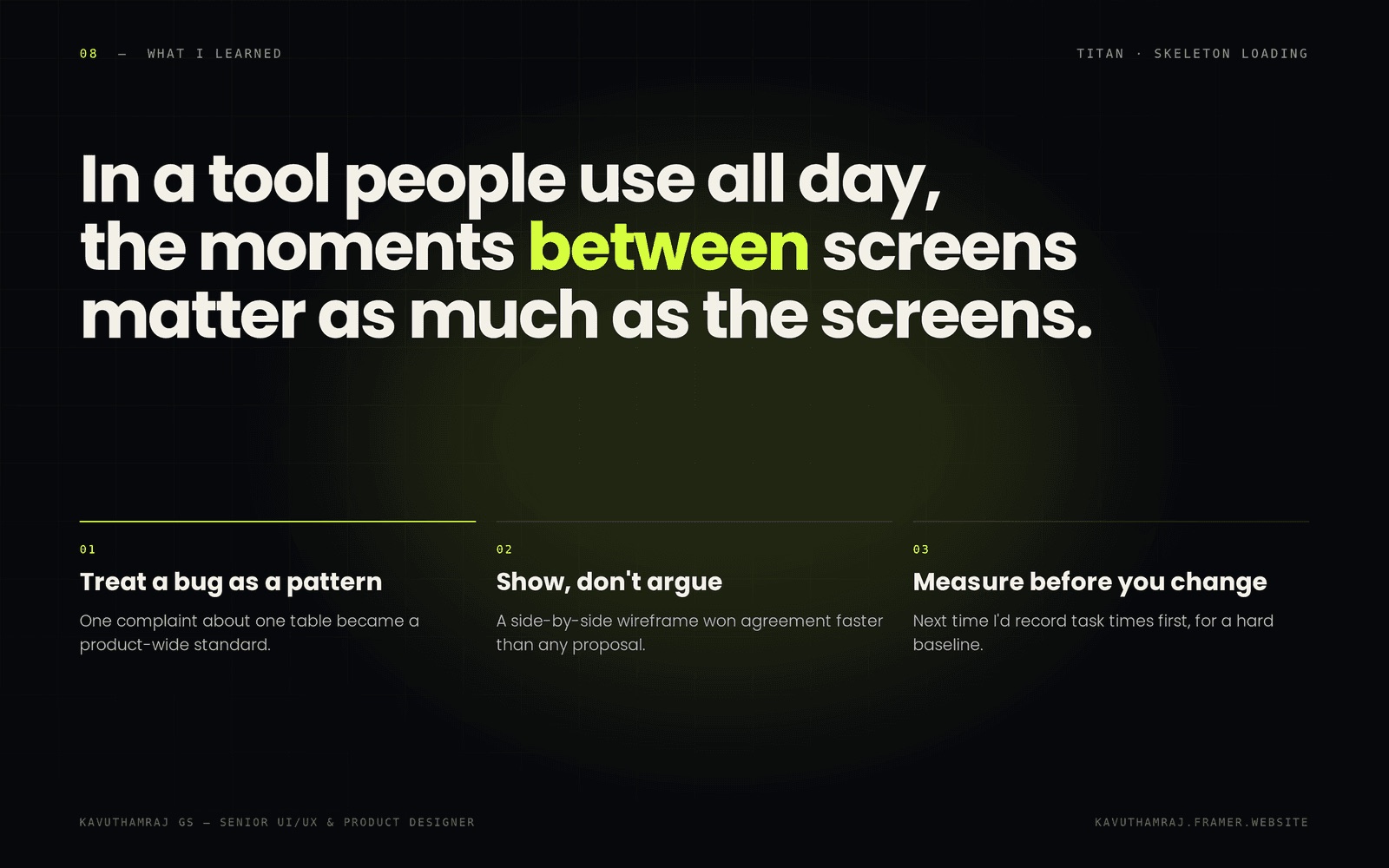
Looking back, one complaint about one table became a standard for the whole product. A side-by-side wireframe won agreement faster than any written proposal could. And next time I'd record task times first, so the impact comes with a hard baseline instead of an estimate.